CowSync Guide › My Herd & genetics
Animal profile, pedigree & timeline
Look at one animal in depth: its EPD profile, family tree, progeny and every Workspace record about it.
When you want to know everything about one animal, CowSync has four views. Three open as windows on top of My Herd (or any breeding tool), and the fourth is a page in the Workspace:
- Inspect animal: its genetics at a glance.
- Inspect lineage: its family tree.
- Inspect progeny: its calves.
- Animal timeline: every ranch record about it (health, weights, breeding, money, notes).
Open the first three by clicking an animal's name, the Inspect Animal or Inspect Lineage button on its card, or by right-clicking it.
Inspect animal
The top of the window shows the animal's name, registry badge (US, AU or AK), poll status, labels and a progeny button with the number of sons and daughters. Then come these buttons:
- Registry (US / AU): for animals registered in both countries, switches the whole window between American and Australian figures.
- ● Live: click it and pick a past date (As of …) to see the animal's registry figures as they were then. Click ● Live (today) to come back. If nothing has changed yet it says No historical data.
- View on Helical ↗ or View on DigitalBeef ↗: opens the official registry page.
- ⤓ Card: downloads a picture card of the animal you can share.
- Report: download or email a report on the animal.
Below are sections for the EPD or WBV profile chart (the outer edge is the top of the breed, the centre is the bottom, with Top % numbers), Indices, the full list of EPDs or WBVs with accuracy and Top %, Details, Bloodline and Genetic conditions.
If the registry hasn't published figures for the animal yet, a note says so. You can still look at its family tree and calves, but it can't be used for predictions.
The action list includes Edit details, Edit labels, Inspect lineage, Inspect progeny, Predict with this animal, Add to Mating Planner, Find best match and, for bulls, Run in simulator.
Inspect lineage (family tree)
- Open Inspect lineage. The animal sits on one side with parents and grandparents branching out.
- Use Parents or G-Parents at the top right to show one or two generations back.
- Click any ancestor to see its details in the panel beside the tree: its EPDs, inbreeding and estimated marbling.
- If that ancestor is already in your herd, the panel shows ✎ Edit. If not, ✎ Import & Edit adds it to your herd.
- Right-click an ancestor for Inspect animal, Predict with this animal, Add to Mating Planner, Find best match and Run in simulator.
The header has ✎ Edit Animal and Report. On a phone, switch between Tree and Detail with the tabs at the top. "Unknown ancestor" means the registry has no record for that spot.
Inspect progeny
Lists the animal's calves with counts of daughters and sons. You can:
- Search by calf name or registration (Search calf name / reg…).
- Narrow by Date of birth (from → to) and Sex.
- Pick which Trait columns show and how many rows Per page with the Columns & display button.
- Page through with « First, ← Prev, Next → and Last ».
- Download or share the list with the report button.
Animal timeline (Workspace)
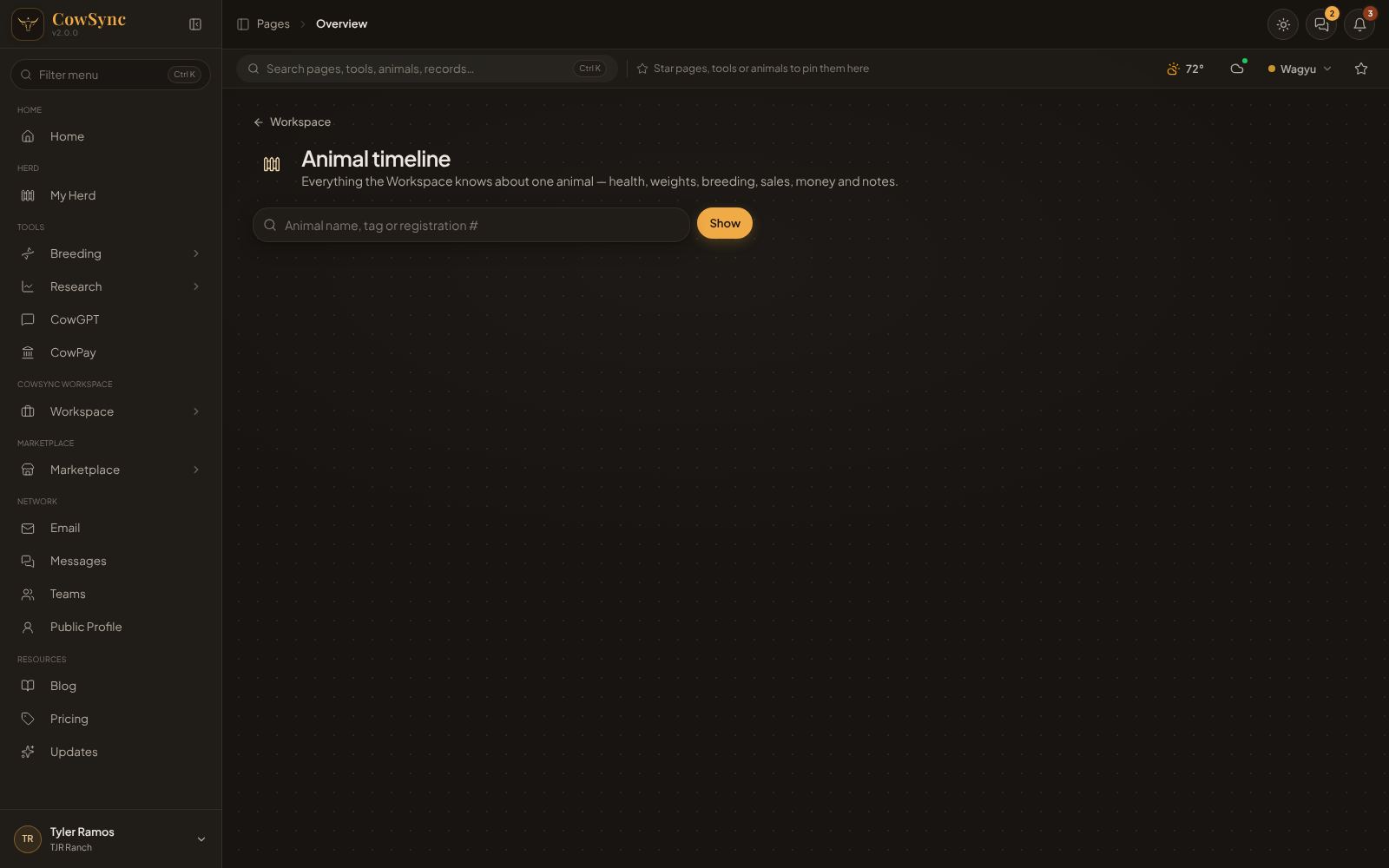
The genetics windows above come from the registry. The Animal timeline pulls together everything you have recorded about an animal in the Workspace. Open it from Workspace → Animal timeline, or type a name in the Ctrl K search and choose Everything in the Workspace about "…".
- Type the animal's name, tag or registration number and click Show.
- Quick buttons let you start a new record for it: Log weight, Treatment, Observation, Heat / AI, Expense, Reminder and Note. Open in My Herd jumps to its herd entry.
- If there are records, you'll see Income, Costs and Profit for the animal and a Weight chart (it needs two weigh-ins to draw a trend).
- Below, records are grouped by tool (vaccinations, treatments, weights and so on), newest at the top. Click a record to open it, or Open (N) → to see them all in that tool.
- Also mentioned in lists records that name the animal in their text but don't have it in their Animal box.